Your bank file stays on your device. Nothing is uploaded.
.csv
Choose your CSV file
Drop it here or select it from your computer.
CSV or delimited TXT · Up to 2 MB / 10,000 transactions PDF and Excel workbooks are not supported.
Only have a CSV? What you’ll need to finish
Preview your transactions for free. To finish a Desktop import, you’ll also need the ending balance and date from your statement, plus your bank’s import details. We can read those details from an older QBO, QFX or OFX for the same account.
Bank not recognized? Try an unmodified QuickBooks file downloaded from the same bank. If that also fails, check your bank’s support and QuickBooks edition.
Dates or amounts look wrong? Return to your preview before adding transactions in QuickBooks.
The PDF is the visual reference. The downloads above are the actual input files; the results include the tested QBO downloads.
CREDIT CARD QBO IMPORT CHECK
Two purchases. One refund. Correct signs.
The same three transactions used in our credit card test. QuickBooks showed the purchases as charges and the refund as a payment.
Net change -$39.49
QFXtoQBO-CARD-V2-20260922.qbo
Date
Description
Transaction ID
Amount (USD)
2026-08-05
QA office supplies
QA-CARD-001
-$42.00
2026-08-06
QA purchase refund
QA-CARD-002
$12.50
2026-08-07
QA software subscription
QA-CARD-003
-$9.99
The $9.99 charge was added to the test register. Re-importing this file added no new transactions.
These are sample financial records used to test the product, not customer statements. Results describe this test setup; they do not promise compatibility with every bank or QuickBooks edition. See the tested scope.
A SHORT PATH TO YOUR BOOKS
Three steps. Nothing hidden.
Keep control of the details that matter to your accounts.
01
Bring your bank export.
Choose your CSV to see the transactions. If a column is unclear, we’ll ask you to match it using examples from your file.
02
Make the numbers add up.
Check the preview, dates and totals. Confirm your account details and statement closing balance before exporting.
03
Download. Import. Reconcile.
Get your .qbo file, then import it into a supported QuickBooks edition. Match the imported numbers to your statement.
YOU CONTROL THE DETAILS
What can I adjust?
Start with the values in your file. Change a setting only when your statement tells you to.
Columns, dates & amount signs
Match each CSV column to its job. Choose commas, semicolons or tabs; select the date order; use a signed amount or separate debit and credit columns.
Example: 04/05/2026 is April 5 with MM/DD and May 4 with DD/MM. Negative amounts mean money out or a card purchase.
Choose checking, savings or credit card. Keep the same account identifier for repeated exports to the same account.
Closing balance is what your statement says on its closing date. If you started with $1,000 and gained $624.50, enter $1,624.50—not $624.50. Credit card amounts owed are normally negative in OFX.
Bank identifiers & reference files
ORG, FID and INTU.BID identify your financial institution. They are not your bank username or password. Checking and savings also need a 9-digit US bank routing identifier.
Shortcut: copy institution details from a QBO file that already imports into QuickBooks. This reads the file locally; it does not replace your transactions or closing balance.
Compare dates, transaction count, money in and money out with your statement. Confirm the account type and closing balance. Preview and validation errors never use an export.
Back up your QuickBooks company file, import a small date range first, and check the imported totals. A download alone does not confirm a successful import.
Use a header row or a headerless file, separated by commas, semicolons or tabs. Map a date and description plus either one signed amount column or separate debit and credit columns. Recognized columns go straight to a preview. If dates could mean two different things, confirm which date matches your statement.
How are duplicate transactions handled?+
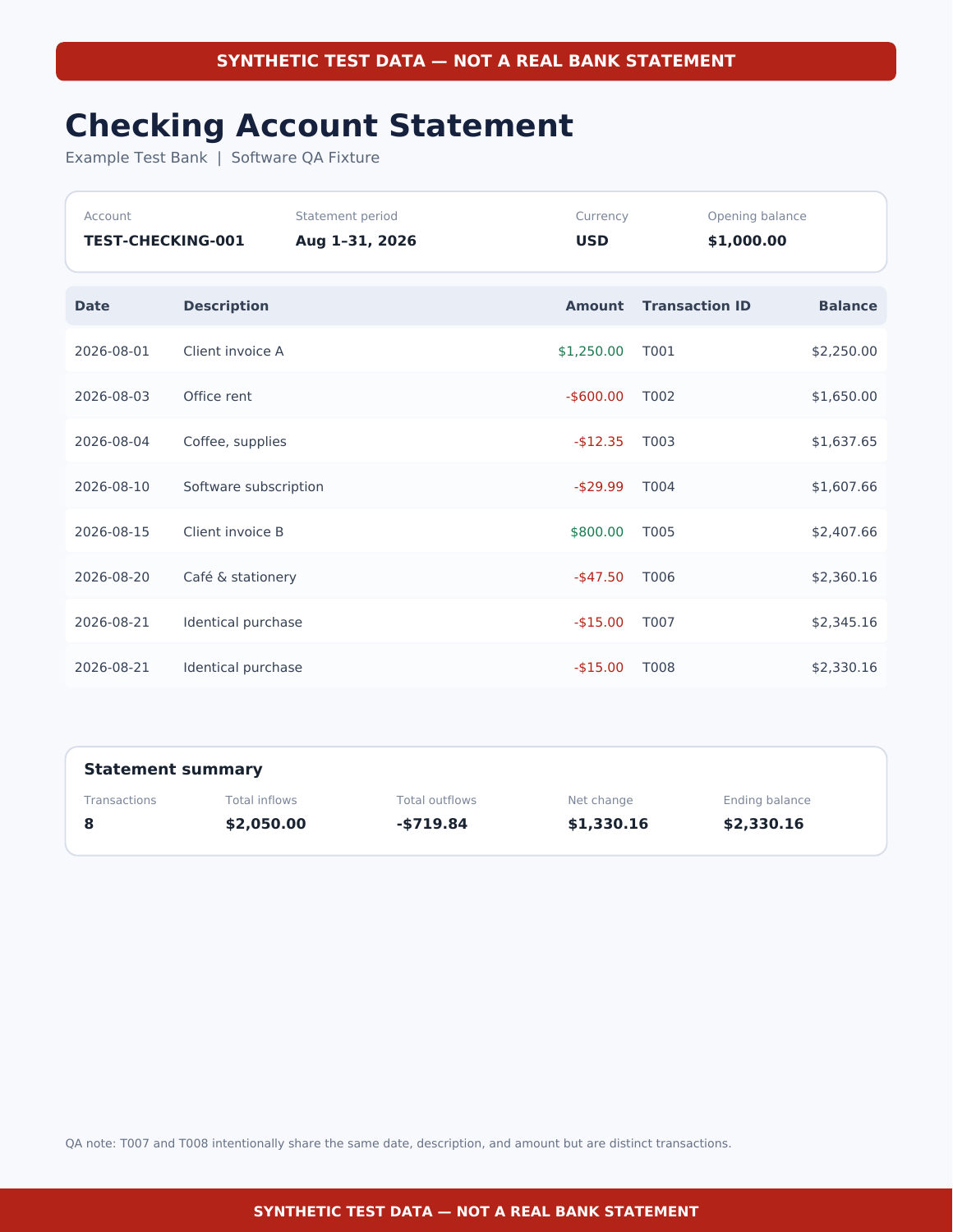
If your CSV has a transaction ID column, map it to preserve the bank’s identifiers. Repeated IDs block export. Without IDs, we generate stable identifiers from account and transaction details. Identical-looking purchases remain separate; review overlapping downloads before importing.
Is this converter free?+
Yes. Guest includes 5 complete QBO exports per calendar month without signing up. A free account includes 20. High-volume users can choose the optional $9, 30-day Pro pass when checkout is available; see pricing. Every plan supports files up to 2 MB and 10,000 transactions.
Does my financial data leave my computer?+
The converter reads and processes file contents in browser memory. We do not upload those contents, use them to train AI, or save them in a database. Hosting providers still receive normal web requests when you load the website.
Does this work with QuickBooks Online?+
QuickBooks Online can accept CSV, QFX and QBO files directly. Try its native upload first if your file is already supported. This converter is most useful when you specifically need a Web Connect .qbo file, especially for a supported QuickBooks Desktop edition.
Why does the bank identifier matter?+
QuickBooks Desktop can reject a file if its Intuit Bank ID is missing, outdated or not supported for Web Connect. Use the identifiers from a working QBO download for your actual bank. We do not substitute another bank’s identity.
What is checked before I download?+
We validate file structure, required fields, dates and amounts before creating your QBO file. We also check the generated file against the preview. QuickBooks import acceptance depends on your bank identifiers and supported edition. Try a free export with a small date range first; see our Desktop test results and compatibility details.